Make your memories yours
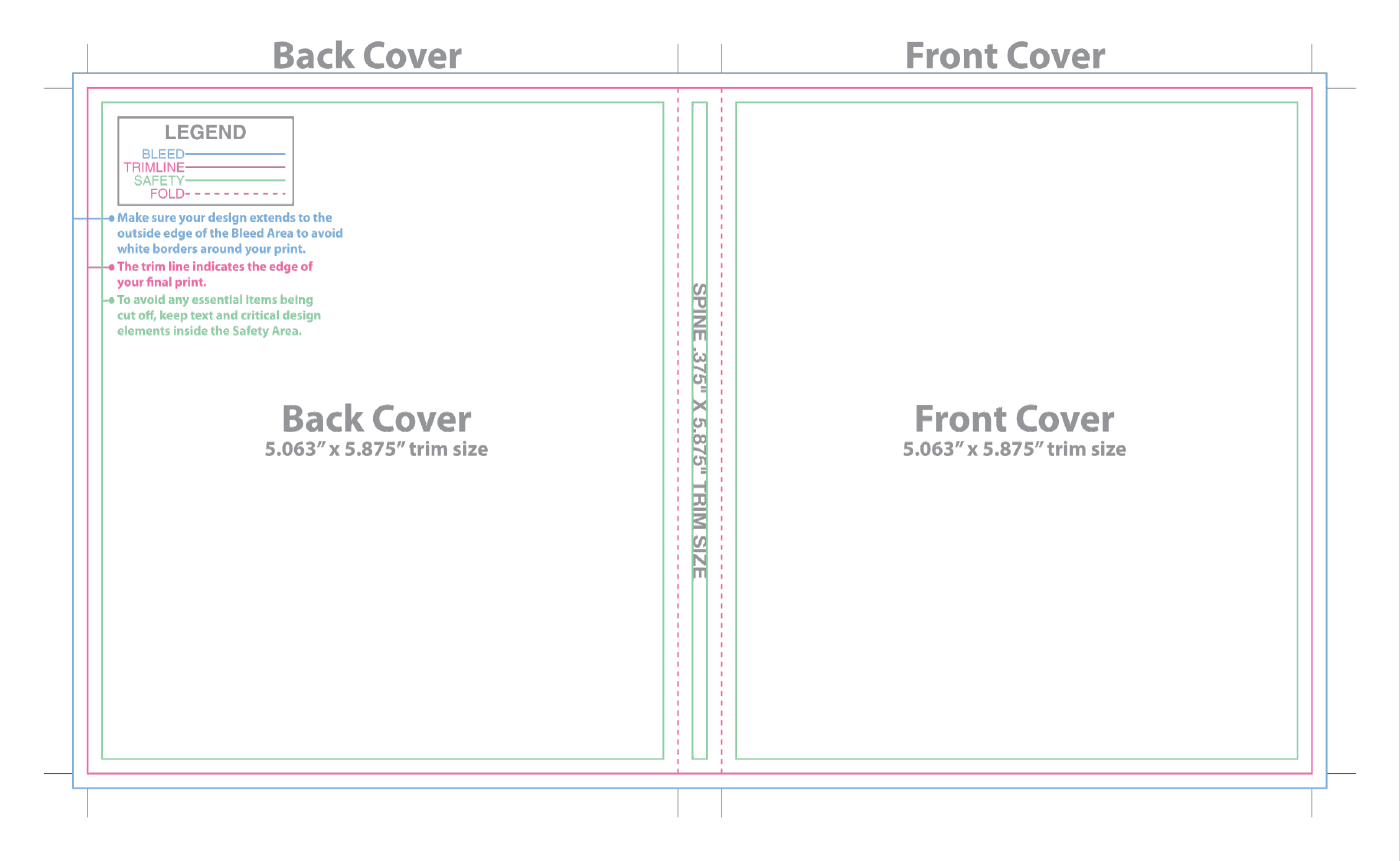
Personalise the text, images, colours and backgrounds in Canva. Use the front, back, spine and inside layouts to build your own design.
What you receive
- A PDF with a clickable link to your editable Canva template.
- A six-page PDF containing cover layouts, print guides and design examples.
How it works
- Complete your purchase and download the two PDF files.
- Open the Canva link and make your own copy of the template.
- Add your text and images, then export your finished design from Canva.
- Check the dimensions against your case and print a test copy before final printing.
Size and printing
The supplied layout labels front and back panels at 5.063 × 5.875 inches, with a 0.375-inch spine. Check compatibility with your case before purchasing. Bleed, trim, safety and fold guides are included. Inside printing requires a clear case.
Please note
This is an editable template, not a finished personalised design. A Canva account is required to edit. Canva may charge for premium elements you choose to add. Files become available once payment is confirmed. No physical item is shipped.




Reviews
There are no reviews yet.