Give your mixtape its own look
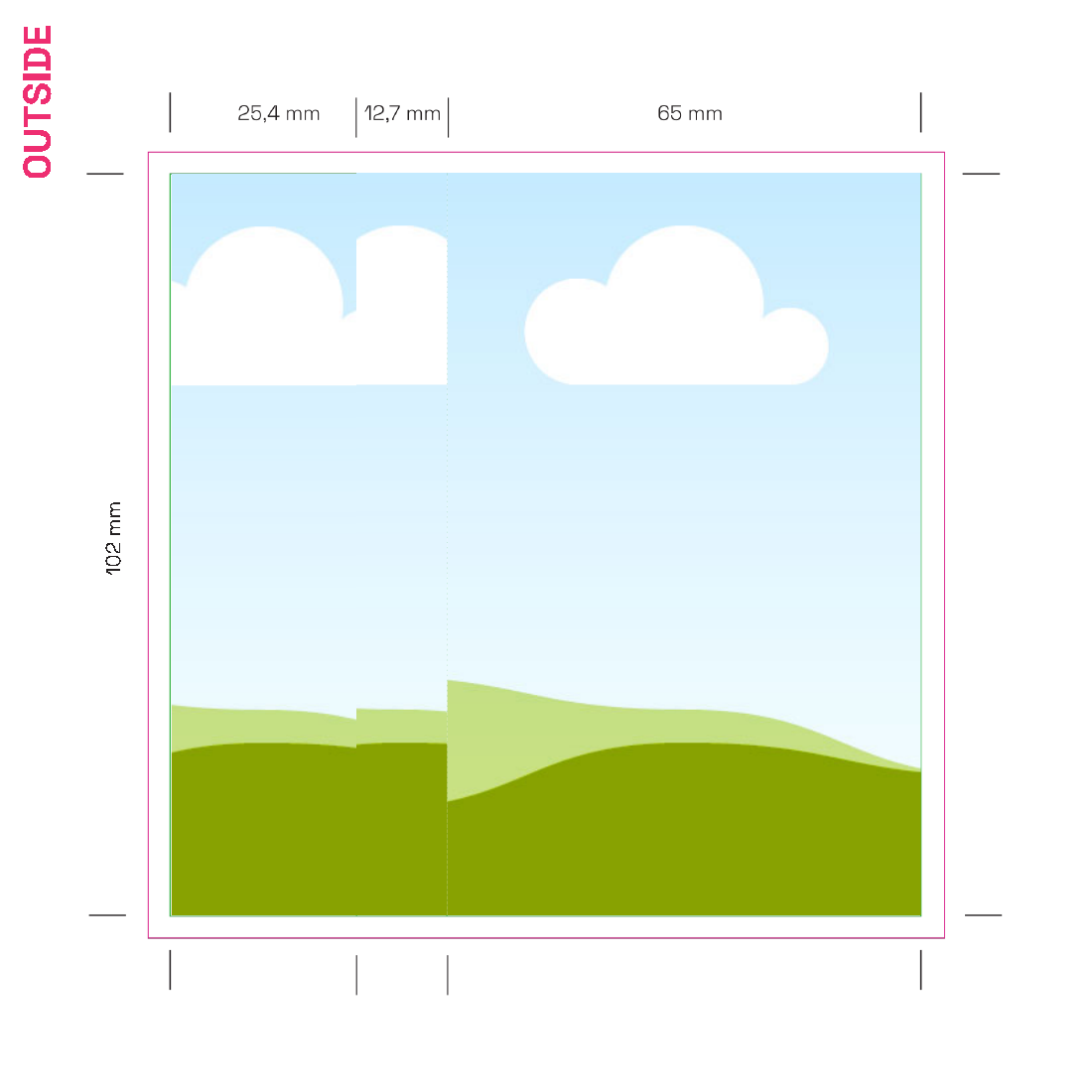
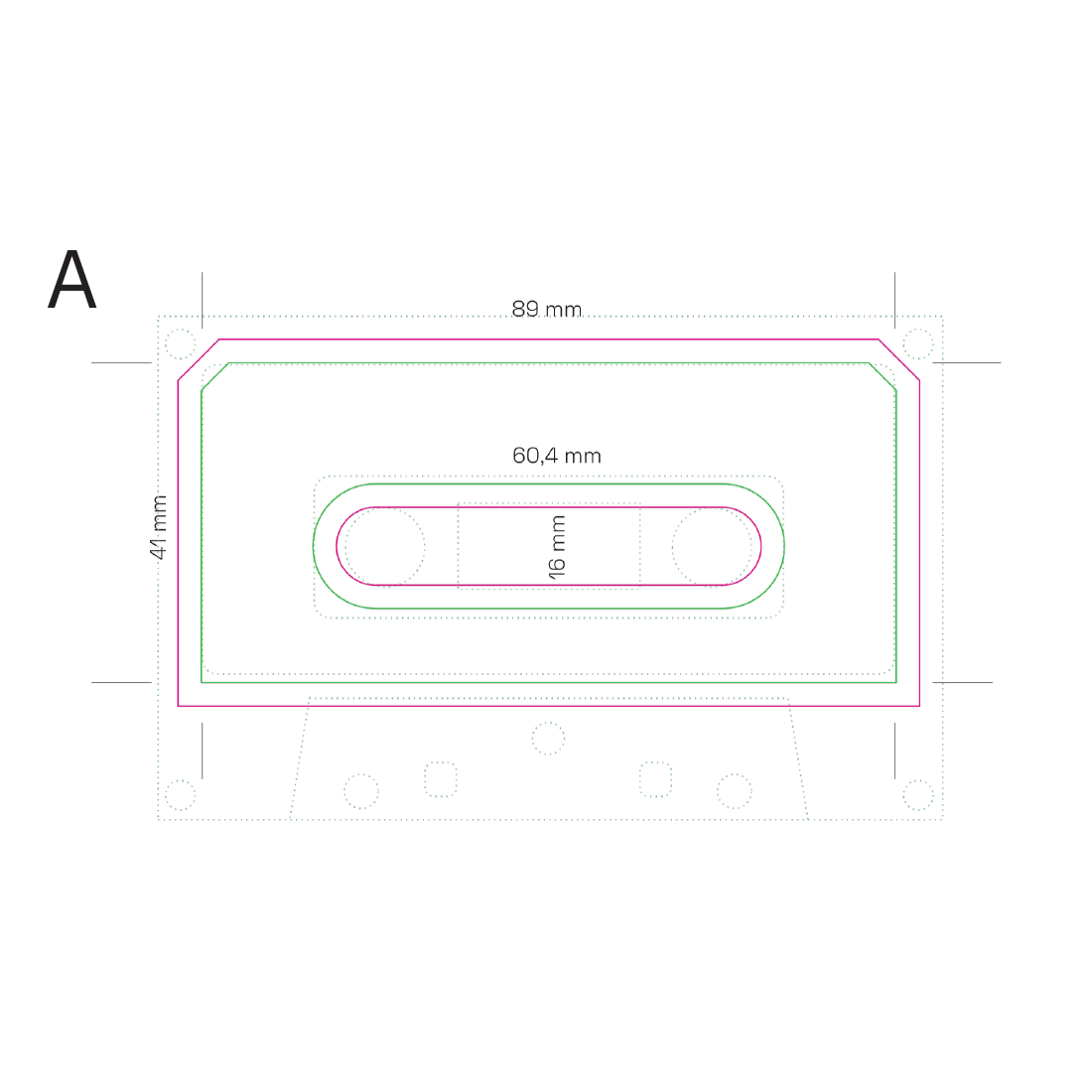
Personalise the text, images, colours and backgrounds in Canva. Use the outside, inside and spine layouts, plus Side A and Side B labels to build your own design.
What you receive
- A PDF with a clickable link to your editable Canva template.
- A nine-page PDF containing cover layouts, print guides and label templates.
How it works
- Complete your purchase and download the two PDF files.
- Open the Canva link and make your own copy of the template.
- Add your text and images, then export your finished design from Canva.
- Check the dimensions against your case and print a test copy before final printing.
Size and printing
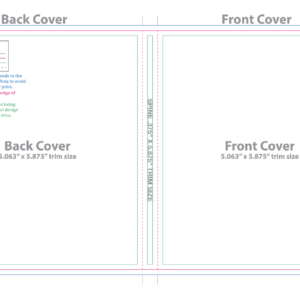
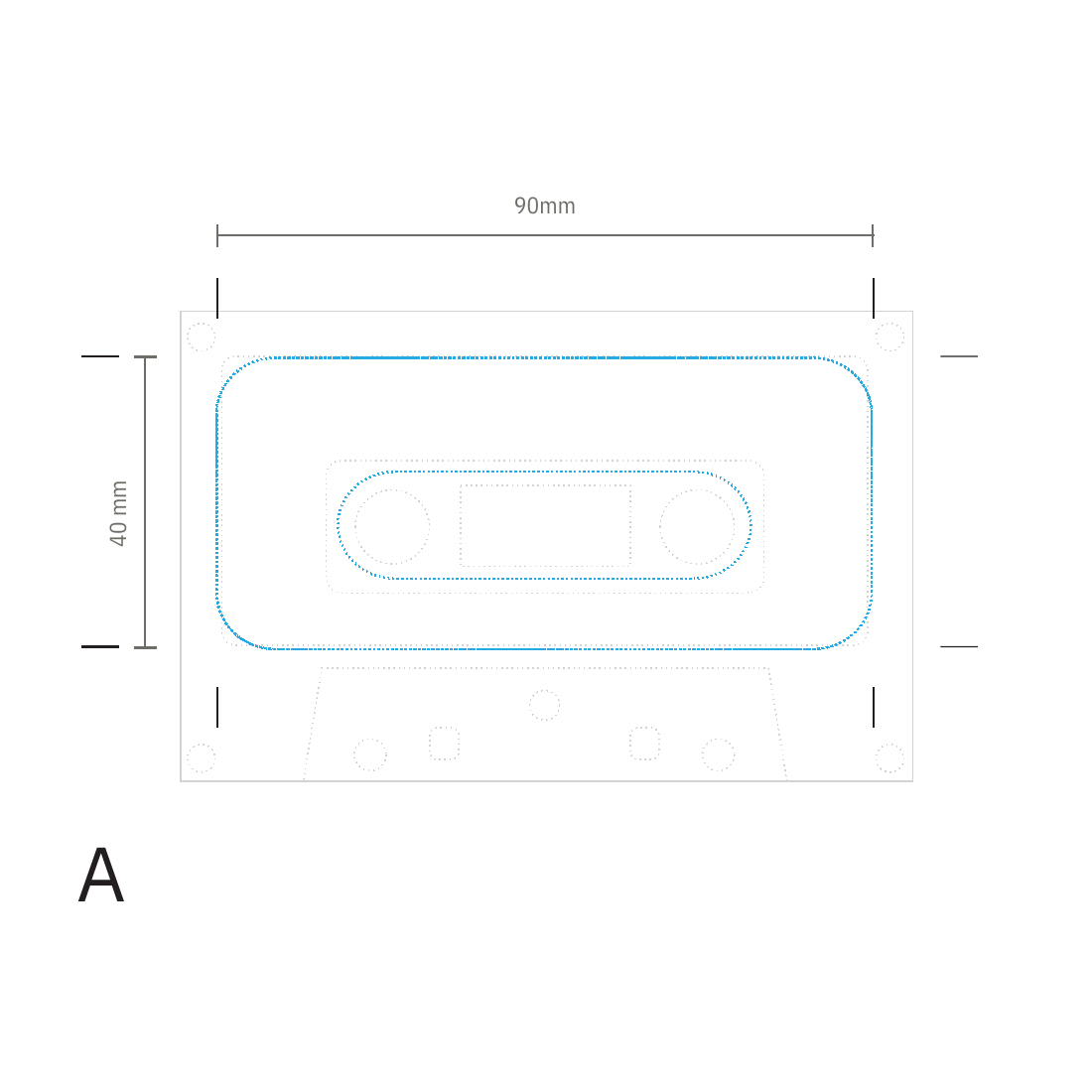
Includes outside and inside J-card layouts, a spine, Side A and Side B labels, and print guidance. The PDF contains 102 mm-high J-card layouts, 89 × 47 mm labels and an alternative 90 × 40 mm label layout. Check the included dimensions against your cassette and case before printing. The print guide specifies 3 mm bleed, 300 DPI and printing at 100% scale. Remove template guide lines from your finished artwork and follow your printer’s export requirements.
Please note
This is an editable template, not a finished personalised design. A Canva account is required to edit. Canva may charge for premium elements you choose to add. Files become available once payment is confirmed. No physical item is shipped.